A private appointment. Time to ask questions. No obligation to proceed.
01 / The editorial portraitIllustrative portrait · Not a treatment result
Facial aestheticsSkin healthLaser treatments
01 / The treatment edit
Start with what matters to you.
Explore the catalogue by area of interest. The guide shows indicative demo prices; a consultation is where suitability, risks and alternatives are discussed.
AI-generated illustrations · Models and settings are not Majestic Butterfly patients, staff, premises or outcomes.
Loading the treatment menu…
02 / Find your starting point
Not sure where to start?
This guide points you to a page based on what you’d like to explore. It doesn’t assess suitability, recommend treatment or give medical advice. Your selection stays on this page.
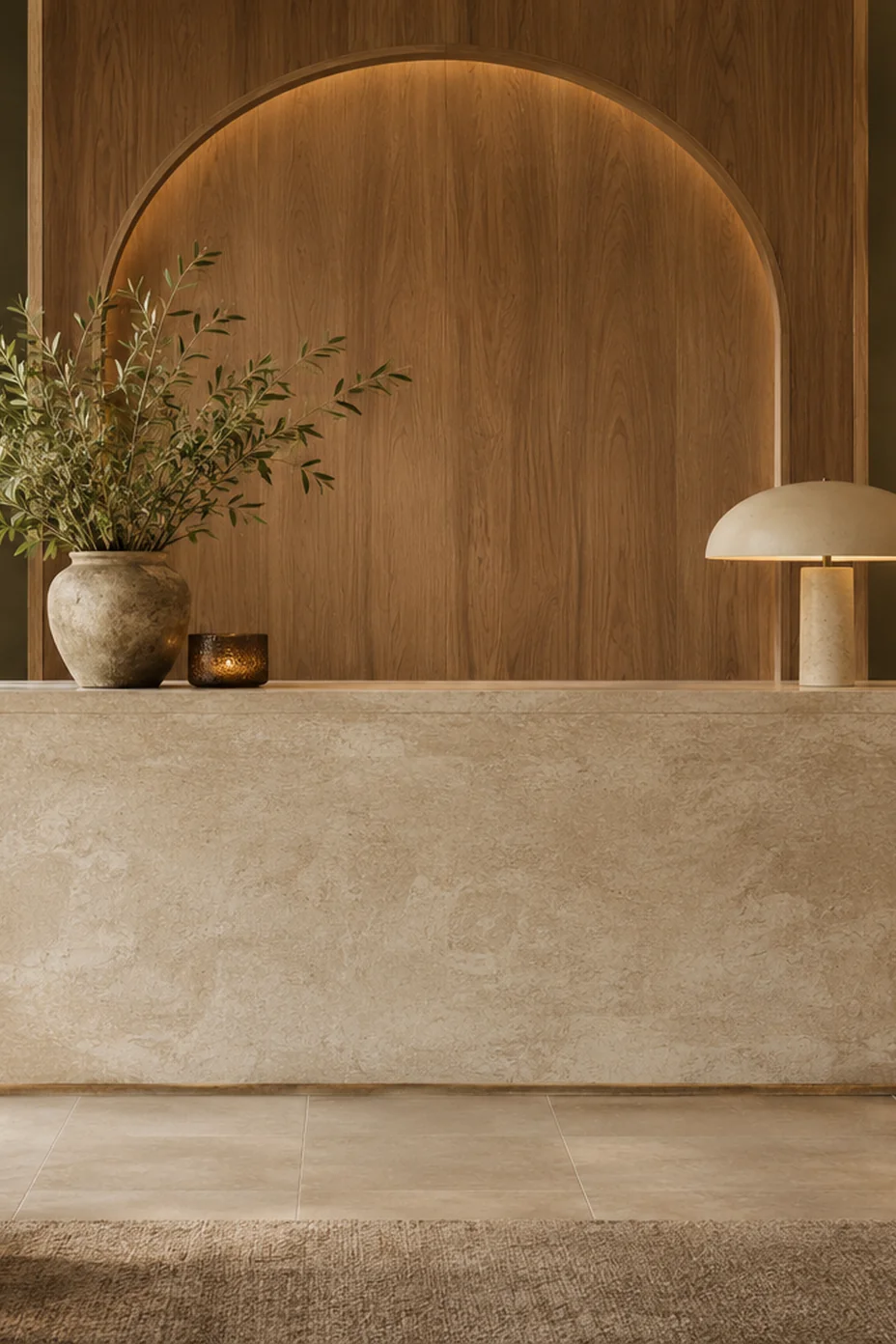
Reception concept · Illustrative location
03 / The studio
Space for a conversation.
We’ve designed this fictional studio around a simple idea: the first visit should leave you with time to consider your options.
These fictional profiles illustrate how you can choose a practitioner in the scheduler. They don’t represent real people or qualifications.
Illustrative consultation · Not our practitioners or patients
05 / Your visit
What to expect.
01
Pick a time
Choose a consultation, then select an available time. The demo uses London time.
02
Talk through options
A consultation is the place for questions about suitability, costs, risks and recovery.
03
Take time to decide
A consultation isn’t a commitment to treatment. You can consider the information or decide not to proceed.
06 / The environment
A quieter setting.
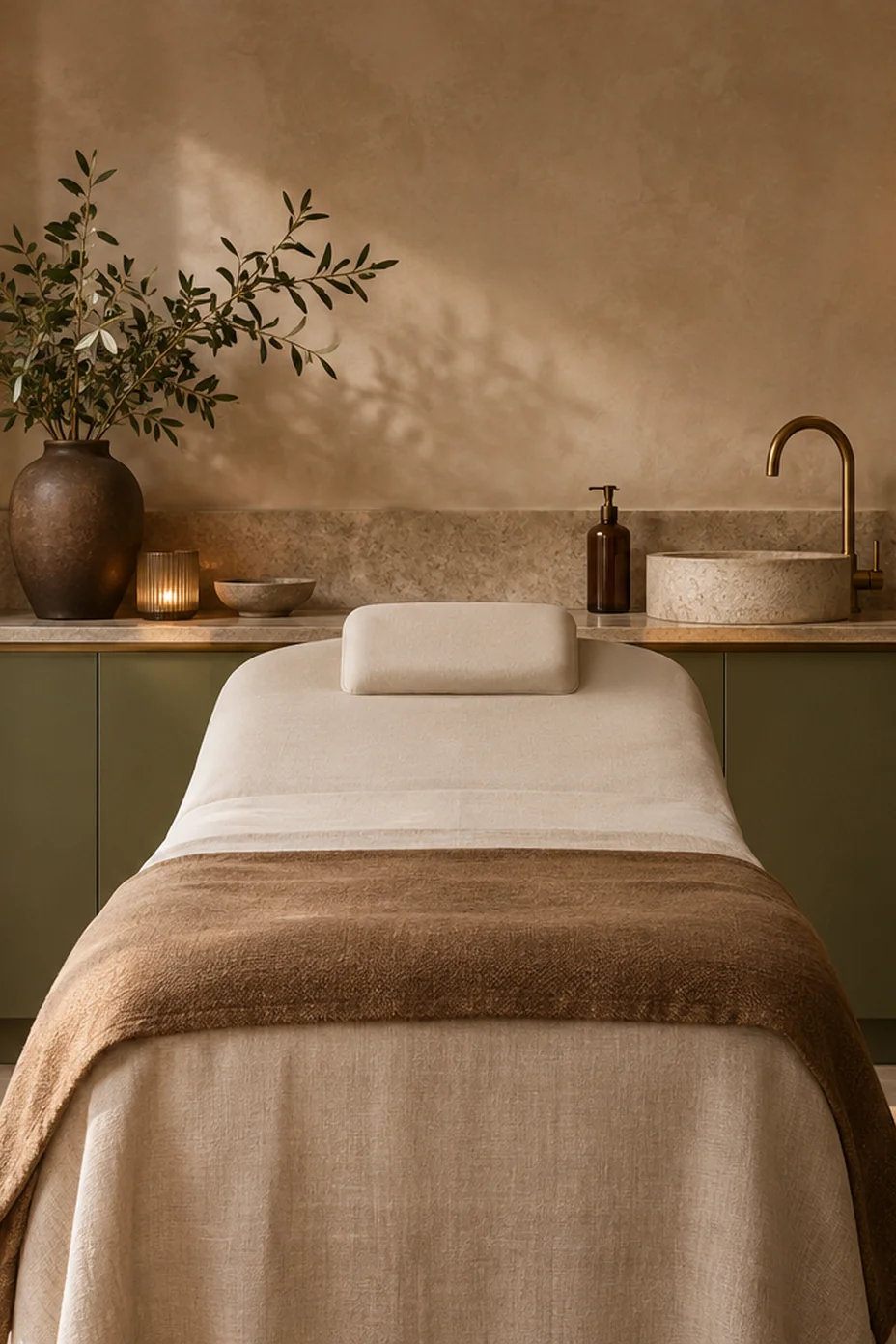
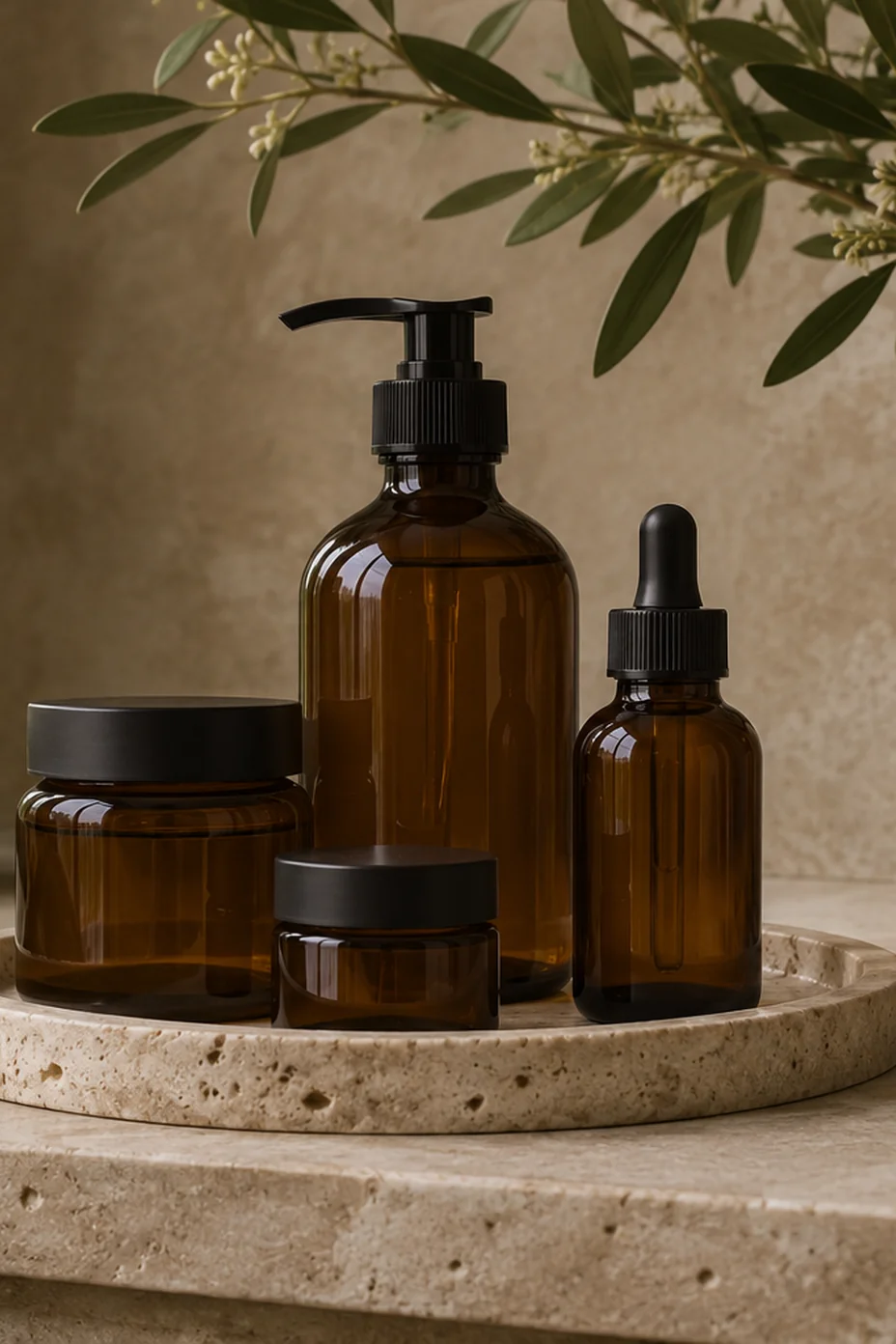
Soft light, warm textures and private spaces. An illustrative moodboard for the studio, not photographs of a clinic you can visit.
01 / Treatment suite concept02 / Studio still life
07 / The journal
Before you visit.
Illustrative portrait · Not a treatment result
First appointments
Questions to bring to a consultation
Ask what the consultation covers, which costs are separate and how much time you have to decide. If a procedure comes up, you can ask about alternatives, including doing nothing, and whom to contact afterward.
Using the scheduler
How to find your demo booking
Choose a booking under Manage a booking in the same browser tab. You can view it, move it or cancel it. The demo doesn’t send an email or charge a payment.
08 / Frequently asked
Good to know.
Can I book a treatment directly?
If a listing requires an assessment, the booking button takes you to a consultation. A demo booking is not medical clearance or a real appointment.
What information should I enter?
Choose from the sample appointments. The demo asks for no names, contact details or medical information.
Can I move or cancel my booking?
Yes. Go to Manage a booking and choose an appointment from this tab.
Can I visit or ask about step-free access?
This is a fictional studio; there is no premises to visit. For a real appointment elsewhere, ask the clinic about step-free access and any arrangements you need before travelling.
09 / Appointments
Book a demo appointment.
Choose a sample appointment. The simulation stays in this browser tab. No message, payment or real appointment is made.